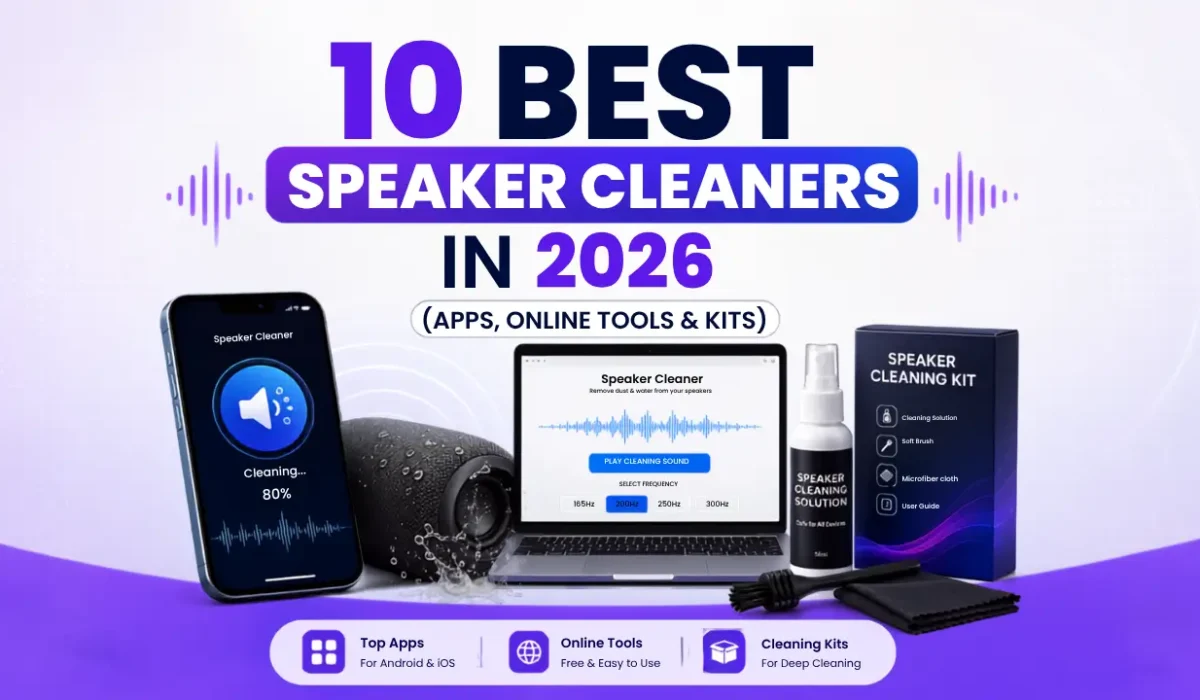
10 Best Speaker Cleaners in 2026 (Apps, Online Tools & Kits)
A muffled phone speaker is usually not a broken speaker. Pocket lint, dust, sweat, and leftover water sit in the grille and block sound. A speaker cleaner uses low-frequency sound, a soft brush, or gentle air to push that debris out without opening the phone.
We compared the 10 best speaker cleaners you can use in 2026 — free web tools, mobile apps, built-in features, and physical kits — so you can pick the right one for water, dust, or both.
How a speaker cleaner works
Most digital speaker cleaners play a tone around 165–230 Hz. That range moves the speaker membrane enough to eject water droplets and shake loose lint. Higher tones (about 1–8 kHz) help with dry dust. Hold the phone with the speaker facing down, set media volume high, and run one or two short cycles. Sound will not fix a torn driver or corrosion inside the phone.
Quick picks
- Best free web tool: phonespeakercleaner.com
- Best app: ClearWave / Speaker Wizard
- Best for iPhone + Apple Watch: SpeakerMate
- Best Android control: Sonic
- Best built-in option: Apple Watch Water Lock
- Best for visible lint: Soft anti-static brush kit
1. Phonespeakercleaner — fastest free web cleaner — best overall
Best for: A quick iPhone splash
Price: Free
How it works: One-button 165 Hz tone in the browser
Phonespeakercleaner is the simplest option: open the page, tap the button, and let the tone run. There is no account and no app. The fixed 165 Hz tone is especially effective on many iPhones. Android phones sometimes need a sweep closer to 200–220 Hz, so results can vary by model.
Use it when: you need something immediately and do not want to download an app.
2. SpeakerCleaner.tools (web tone) — no-download sweep
Best for: Browser cleaning with a 165–230 Hz sweep
Price: Free online
How it works: Short diagnostic, then a low-frequency sweep
This web cleaner is a middle ground between a single-tone page and a full app. It sweeps the useful range instead of locking to one note, so it often works on more phone models. Pair it with the Speaker Wizard app if you want haptics after the web cycle.
Use it when: you want a sweep in the browser, not a single beep.
3. ClearWave / Speaker Wizard
Best for: Water and dust on iPhone and Android
Price: Free web tool; app has a paid option
How it works: Frequency sweep from about 165–230 Hz, plus haptic vibration in the app
ClearWave is the strongest all-rounder. The web tool needs no install. The Speaker Wizard app adds haptic vibration, which helps shake compacted lint that sound alone leaves behind. Use it after a splash, a workout, or when music suddenly sounds dull.
Use it when: you want one tool that works on most phones without guessing a single frequency.
4. SpeakerMate — best for iPhone and Apple Watch
Best for: Apple devices after swimming or a sweaty workout
Price: Free demo online; full app on the App Store
How it works: 165 Hz water eject plus higher tones for dust; standalone Apple Watch app
SpeakerMate uses the same idea as Apple Watch water ejection, but on iPhone as well as Watch. It includes widgets, auto-clean, and a short web demo. If you already wear an Apple Watch in the pool, this is the cleanest Apple-focused kit.
Use it when: your iPhone or Watch sounds quiet after water exposure.
5. Sonic — best Android frequency control
Best for: Android users who want a custom Hz slider
Price: Free with ads
How it works: Manual frequency and sweep control
Sonic does not guess for you. You set the tone yourself, which is useful if a one-note web tool did not clear your Samsung, Pixel, Xiaomi, or OnePlus speaker. Start near 165 Hz for water, then try 190–220 Hz if the first pass did little. The extra control is the point — and the learning curve.
Use it when: generic 165 Hz tools did not restore volume on Android.
6. Fix My Speaker (fixmyspeaker.io) — best Android web layout
Best for: Android phones with bottom, earpiece, or rear speakers
Price: Free
How it works: Separate water (165 Hz) and dust (higher kHz) cycles, plus haptic assist in Chrome
This tool asks which speaker you are cleaning first. That matters on Android, because some phones fire from the bottom edge, the earpiece, or the back. Chrome on Android can also pulse the vibration motor with the tone. Turn off Bluetooth and battery saver so the tone plays through the phone speaker at full strength.
Use it when: you know which grille is muffled and want a targeted cycle.
7. SpeakerCleaner.io — simple 90-second online cycle
Best for: Light moisture and loose dust
Price: Free, no account
How it works: One 90-second low-tone cycle in the browser
SpeakerCleaner.io is honest about limits: it can shift light droplets near the grille, but it will not dry the inside of a soaked phone. That makes it a good first step after a small splash. Run one cycle, test a call or a song, then stop. Repeating loud tones for ten minutes is not better than drying time and airflow.
Use it when: you want a guided, no-signup cycle and realistic expectations.
8. Apple Watch Water Lock — best built-in cleaner
Best for: Apple Watch after swimming
Price: Built in, free
How it works: Water Lock tones eject water when you turn the Digital Crown
Apple designed this for the Watch speaker. Enable Water Lock before you swim, then unlock with the crown afterward. The tones are made for that speaker, so it is more reliable than a generic app on Watch. It does not clean iPhone, iPad, or Android. For those, use one of the tools above.
Use it when: you swam with Apple Watch and the speaker sounds wet or quiet.
9. Soft anti-static brush kit — best for visible lint
Best for: Dry dust, pocket lint, and earbud grilles
Price: About $5–15
How it works: Soft nylon or anti-static bristles lift debris off the mesh
Sound tools cannot pull out a clump of lint you can already see. A phone speaker cleaning kit with a soft brush (and sometimes a bulb blower) is the safe physical option. Brush gently across the grille — do not jab into the holes. Never use metal pins, paper clips, or sharp toothpicks. Those tear the waterproof mesh and can push dirt deeper.
Use it when: you can see lint on the speaker or charging-port area.
10. Gentle air blower — best dry-dust follow-up
Best for: Loose dust after a sound cycle or brush
Price: $8–25 for a hand blower; avoid high-pressure cans if you can
A small rubber bulb blower or a low-power electric duster finishes the job after sound cleaning. Hold the phone grille-down and use short puffs from a few centimeters away. Skip high-pressure canned air shoved into the port — that can drive moisture inward or damage the mesh. Do not use a vacuum on the speaker.
Use it when: dust is dry and the sound cycle already loosened it.
Comparison table
| Speaker cleaner | Type | Best for | Cost |
|---|---|---|---|
| Phone Speaker Cleaner | Web | Most phones, water + dust Remover | Free |
| ClearWave / Speaker Wizard | App | Fast iPhone splash | Free / low cost |
| Speakercleaner.tools | iWeb | phones, water + dust Remover 165–230 Hz sweep |
Free |
| Sonic | Android app | Custom frequency | Free |
| Speaker Cleaner Sound | Web | 165–230 Hz sweep | Free |
| Fix My Speaker | Web | Android speaker layout | Free |
| SpeakerCleaner.io | Web | Light moisture | Free |
| Apple Water Lock | Built-in | Apple Watch | Free |
| Anti-static brush kit | Physical | Visible lint | $5–15 |
| Gentle air blower | Physical | Loose dry dust | $8–25 |
How to clean a phone speaker safely
- Wipe the outside dry. If the phone was soaked, power it off first and give it air time.
- Turn off Bluetooth so the tone plays from the phone, not earbuds.
- Set media volume high. Hold the speaker facing the floor.
- Run a 30–90 second speaker cleaner cycle. Repeat once if needed.
- If lint is still visible, brush gently, then use a bulb blower.
- Test with a call and a song. Stop if the sound is already clear.
What not to use
- Rice: Slow, messy, and it can leave starch dust in ports.
- Cotton swabs pushed into the grille: Fibers catch on the mesh.
- Alcohol poured into the speaker: Liquid can sit behind the mesh.
- Needles or pins: Easy way to rip the dust screen.
- Ultra-high “99,999 Hz” viral tones: You cannot hear them, and they do not eject water. Useful cleaning tones are in the audible low range.
FAQ
Do speaker cleaner apps actually work?
Yes, for water and loose debris near the grille. They vibrate the speaker so droplets and lint can leave. They will not repair a blown speaker or reverse heavy liquid damage.
Is a speaker cleaner safe?
A short cycle in the normal 165–230 Hz music range is safe for modern phone speakers. Keep volume high but do not run it for a long time on repeat.
How long should I run a speaker cleaner?
One to two minutes is enough for most cases. If audio is still muffled after two cycles, switch to a brush/blower or let the phone dry longer.
Can I use a speaker cleaner on AirPods or a Bluetooth speaker?
Play the tone from the device you want to clean, not from another speaker. For earbuds, a dry soft brush is usually better than blasting a loud tone next to your ear.
Conclusion
Start with a free web speaker cleaner if your phone just got wet. Use ClearWave / Speaker Wizard when you want the most complete digital clean, SpeakerMate or Water Lock for Apple Watch, and a soft brush plus blower when you can see lint. That mix covers almost every muffled-speaker problem without a repair shop visit.
Need a speaker cleaner after a splash or a dusty pocket? Use a sound cycle first, keep the grille facing down, and only then reach for a brush.