Iphone Speaker Cleaner Online
Choose Dust Removal or Water Eject, set volume high, hold the speaker facing the floor, then start the cycle.
Choose a mode, set media volume high, hold the speaker facing the floor, then start. The tool plays calibrated sound and vibration in your browser.
FREE IPHONE SPEAKER CLEANER
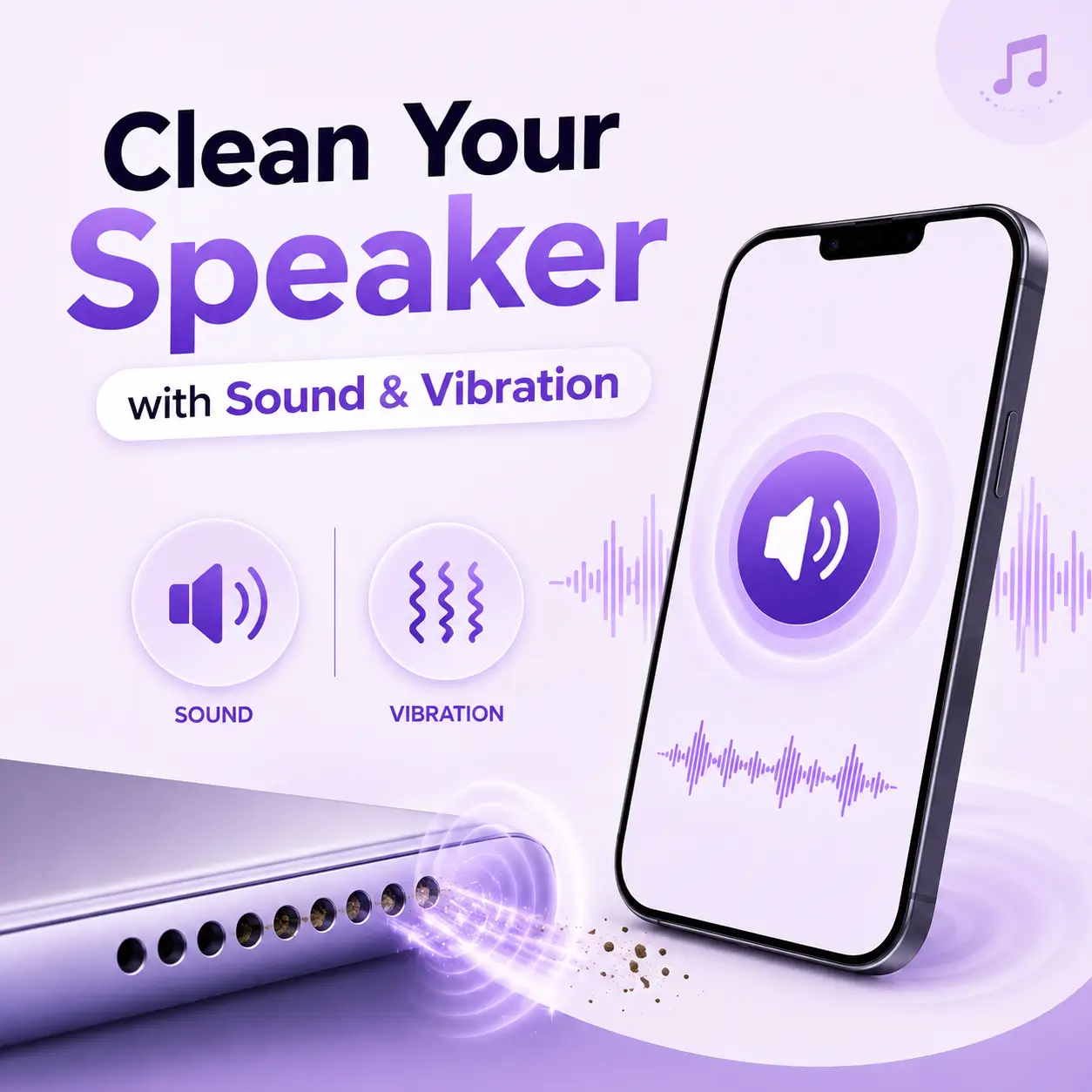
Clean Your iPhone Speaker with Sound & Vibration
Is your iPhone speaker muffled? Low volume after rain, sweat, or a pocket full of lint is common. This free iPhone speaker cleaner uses sound and vibration to push out dust and water. No app. No download.
Works in Safari and Chrome on iPhone 11, 12, 13, 14, 15, and 16. Turn off Bluetooth, set volume high, and hold the bottom speaker face down.
Clean iPhone speaker in 60 seconds | Water eject + dust mode | Free in your browser
How to Clean an iPhone Speaker
Three easy steps to fix a muffled iPhone speaker. About one minute. No rice. No pins.
1. Find the iPhone speaker
The main iPhone speaker is on the bottom edge. Turn off Bluetooth and AirPods. Set media volume high. Hold the iPhone with that grille facing the floor.
2. Run the iPhone speaker cleaner
Tap Start. Water eject uses a low 165-230 Hz tone, the same idea as Apple Watch water lock. Dust mode uses a higher pulse to shake pocket lint from the mesh.
3. Play a song, then stop
Play a video or use speakerphone. If the iPhone speaker still sounds muffled, run one more cycle. Then brush the grille softly. Never use a pin or needle.
Related iPhone Speaker Guides
Same free tool. Extra tips for each device. Start from the homepage any time.
Samsung Speaker Cleaner
Samsung Speaker Cleaner uses sound and vibration to help remove dust and water from your Samsung phone’s speaker. It can help improve sound clarity and restore cleaner, louder audio.
Oppo Speaker Cleaner
Oppo Speaker Cleaner helps clear unwanted dust and moisture from your phone’s audio outlet using sound-based vibrations. It supports better audio output and helps keep the speaker grille clean and clear.
Laptop Speaker Cleaner
Laptop Speaker Cleaner uses targeted audio tones to help loosen dust and moisture around the speaker area. It can support clearer playback, improved volume, and better overall sound quality.
Macbook Speaker Cleaner
MacBook Speaker Cleaner helps clear fine dust and moisture from the built-in speakers with specially designed sound frequencies. It promotes cleaner playback, sharper audio, and improved speaker performance.
Android Speaker Cleaner
Android Speaker Cleaner uses sound frequencies and gentle vibrations to help dislodge dust and moisture from your phone’s speaker. It helps maintain crisp audio, balanced volume, and a cleaner sound output.
Ear Speaker Cleaner
Ear Speaker Cleaner uses gentle sound tones to help loosen dust and moisture around the earpiece. It supports clearer calls, improved voice quality, and better audio output.
Phone Speaker Cleaner
Phone Speaker Cleaner uses specially tuned audio waves to help push out trapped moisture and fine particles from the speaker opening. It helps restore crisp playback, stronger volume, and a more balanced listening experience.
Google Speaker Cleaner
Google Speaker Cleaner uses sound-based vibrations to help loosen moisture and fine particles from your phone’s audio outlet. It supports clearer playback, improved loudness, and cleaner overall sound.
Vivo Speaker Cleaner
Vivo Speaker Cleaner uses low-frequency audio pulses to help dislodge moisture and tiny particles from the speaker opening. It helps maintain sharp vocals, consistent volume, and a cleaner listening experience.
OnePlus Speaker Cleaner
OnePlus Speaker Cleaner uses focused sound waves to help release moisture and small debris from the speaker area. It supports crisp audio, clearer voices, and consistent sound output.
Xiaomi Speaker Cleaner
Xiaomi Speaker Cleaner uses targeted audio vibrations to help loosen moisture and fine debris around the speaker outlet. It helps maintain balanced audio, sharper vocals, and a smoother listening experience.
Motorola Speaker Cleaner
Motorola Speaker Cleaner uses tuned sound frequencies to help move out moisture and tiny particles from the speaker grille. It supports clearer playback, stronger audio definition, and consistent sound quality.
Nothing Speaker Cleaner
Nothing Speaker Cleaner uses gentle audio pulses to help clear moisture and fine particles from the speaker opening. It supports cleaner sound, better audio clarity, and improved playback quality.
Honor Speaker Cleaner
Honor Speaker Cleaner uses customized sound pulses to help shift moisture and small particles away from the speaker mesh. It promotes clearer audio, smoother playback, and more defined sound output.
Realme Speaker Cleaner
Realme Speaker Cleaner uses specially tuned audio tones to help dislodge moisture and unwanted particles from the speaker area. It helps deliver clearer vocals, balanced volume, and smoother sound performance.
Huawei Speaker Cleaner
Huawei Speaker Cleaner uses targeted audio vibrations to help shift moisture and tiny debris away from the speaker grille. It helps maintain clear vocals, steady volume, and a cleaner overall listening experience.
Nokia Speaker Cleaner
Nokia Speaker Cleaner uses precise sound frequencies to help loosen moisture and fine particles from the speaker grille. It supports clearer calls, cleaner audio output, and more consistent sound performance.
Asus Speaker Cleaner
Asus Speaker Cleaner uses controlled sound pulses to help loosen moisture and fine dust around the speaker grille. It supports crisp audio, clearer voices, and more consistent sound output.
Sony Speaker Cleaner
Sony Speaker Cleaner uses optimized audio frequencies to help release moisture and small debris from the speaker mesh. It promotes sharper sound, clearer dialogue, and improved audio consistency.
Dell Laptop Speaker Cleaner
Dell Laptop Speaker Cleaner uses low-frequency sound waves to help loosen dust and moisture near the built-in speakers. It can enhance audio sharpness, improve voice clarity, and maintain smoother playback.
Fix a Muffled iPhone Speaker Fast
People search for how to clean an iPhone speaker after water, sweat, or lint. This tool is free, safe, and works in Safari.
Pocket lint and dust
iPhones live in pockets. Lint blocks the bottom speaker and makes music sound dull. Dust mode shakes that lint loose so sound can come out again.
Water in iPhone speaker
Rain, a sink splash, or a drop in water can leave the iPhone speaker muffled. Water eject helps push droplets out of the grille. It cannot fix a soaked logic board.
Safe for iPhone speakers
The tone stays in a normal music range. It is safe for iPhone speakers. It will not fix a torn speaker or heavy corrosion.
No App Store download
You do not need a speaker cleaner app. Open this page in Safari, tap Start, and clean the iPhone speaker in the browser.
Sound plus vibration
Sound moves the iPhone speaker cone. Vibration shakes the phone. Together they clear more lint than a single beep.
All iPhone models
Use it on iPhone 11 through iPhone 16, plus iPhone SE. Turn off Bluetooth so the tone plays from the iPhone, not AirPods.
Ready to clean your speaker?
Speaker Cleaner Tool
WHY THIS IPHONE SPEAKER CLEANER
A free way to clean an iPhone speaker
A muffled iPhone speaker is often blocked, not dead. Pocket lint, sweat, and leftover water sit in the bottom grille. This iPhone speaker cleaner uses sound and vibration to clear it.
Skip rice. Skip the App Store. Open the page, choose dust or water, and run one short cycle.
If sound is still weak after two cycles, it may be a hardware issue. Then contact us.
- Free iPhone speaker cleaner in Safari
- Dust mode and iPhone water eject
- Works with iPhone vibration
- Honest limits if the speaker is damaged
iPhone Speaker Cleaner FAQ
Use this free iPhone speaker cleaner in Safari. Set volume high, hold the bottom speaker down, and tap Start. The sound and vibration help push out water and lint.
Lint, sweat, and water block the grille. That makes music and speakerphone sound quiet or dull. Cleaning the mesh often brings the volume back.
Yes, for a short cycle. The tone is in a normal music range. Do not run it for a long time. Do not poke the grille with a pin.
Wipe the iPhone dry. Hold the speaker down. Run Water Eject for 60 seconds. Repeat once.
No. This page works in Safari.
One minute, then test a song. Repeat once if needed. That is enough for most muffled iPhone speakers.
This tool plays through the bottom speaker. For the top call speaker, use the ear speaker cleaner page and a soft brush on the earpiece.
If two cycles do not help, the speaker may be damaged.