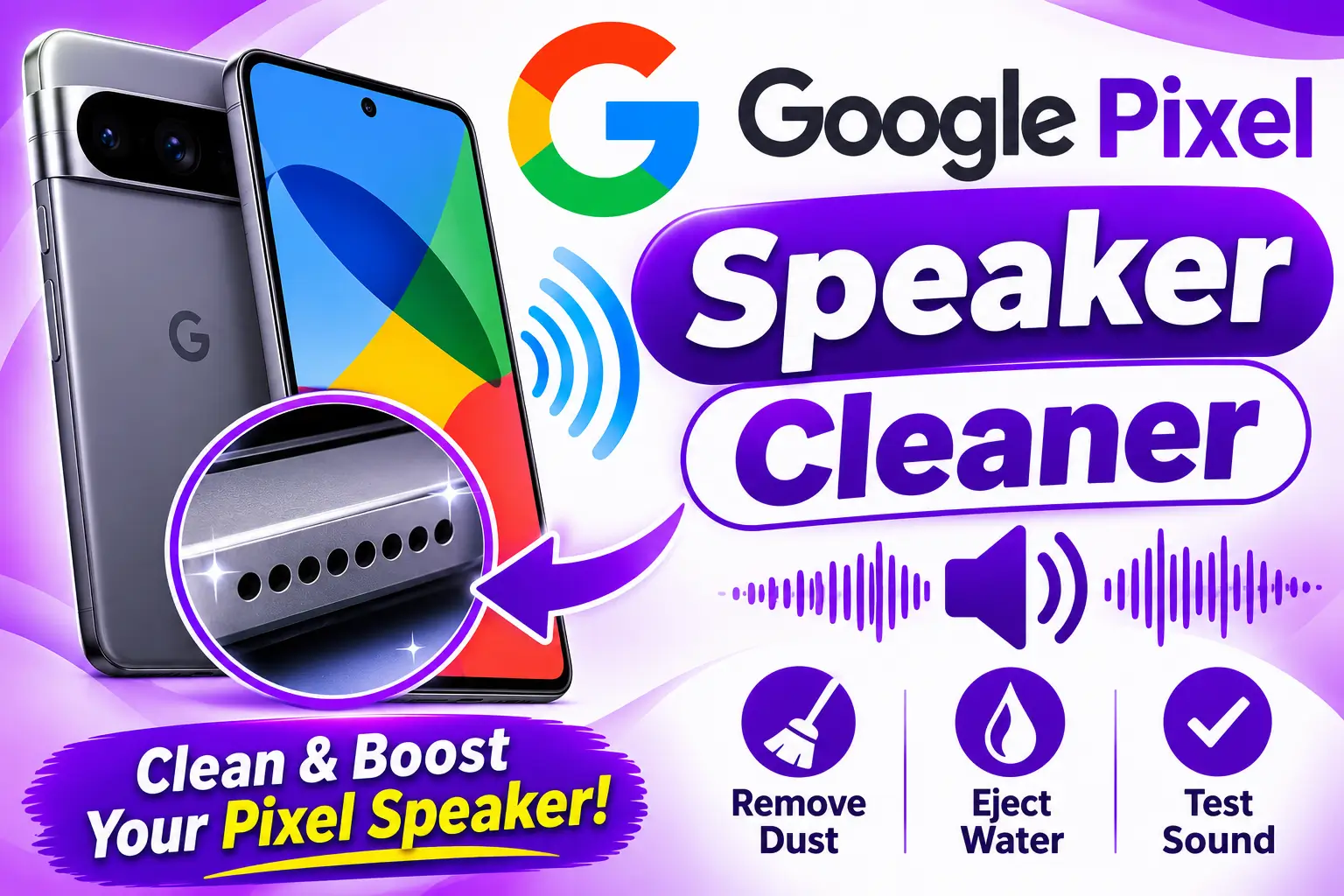
Google Pixel Speaker Cleaner
Choose Dust Removal or Water Eject, set volume high, hold the speaker facing the floor, then start the cycle.
Max volume. Speaker facing down. Keep away from ears.
Vibration not supported here. Sound only.
After Cleaning, Check If Your Speaker Is Working Perfectly
FREE ONLINE SPEAKER CLEANER
How to Use the Google Pixel Speaker Cleaner
To use the cleaner, place your Pixel with the speaker facing down, set the volume to a moderate level, and play the cleaning sound for one to two minutes. Follow these steps:
- Wipe the outside of your Pixel with a dry microfiber cloth.
- Remove the case so the speaker grille is not covered.
- Place the phone on a soft cloth with the bottom speaker facing down.
- Set the media volume to about 50 percent.
- Play the speaker cleaner sound for one to two minutes.
- Wipe away any water or dust that comes out.
- Repeat two or three times with short breaks.
- Play normal audio to check whether the sound is clearer.
Related Google Pixel Speaker Cleaner
Iphone Speaker Cleaner
iPhone Speaker Cleaner helps remove dust and water from your iPhone speaker using safe sound and vibration. It can improve speaker clarity and restore clearer audio performance.
Samsung Speaker Cleaner
Samsung Speaker Cleaner uses sound and vibration to help remove dust and water from your Samsung phone’s speaker. It can help improve sound clarity and restore cleaner, louder audio.
Oppo Speaker Cleaner
Oppo Speaker Cleaner helps clear unwanted dust and moisture from your phone’s audio outlet using sound-based vibrations. It supports better audio output and helps keep the speaker grille clean and clear.
Laptop Speaker Cleaner
Laptop Speaker Cleaner uses targeted audio tones to help loosen dust and moisture around the speaker area. It can support clearer playback, improved volume, and better overall sound quality.
Macbook Speaker Cleaner
MacBook Speaker Cleaner helps clear fine dust and moisture from the built-in speakers with specially designed sound frequencies. It promotes cleaner playback, sharper audio, and improved speaker performance.
Android Speaker Cleaner
Android Speaker Cleaner uses sound frequencies and gentle vibrations to help dislodge dust and moisture from your phone’s speaker. It helps maintain crisp audio, balanced volume, and a cleaner sound output.
Ear Speaker Cleaner
Ear Speaker Cleaner uses gentle sound tones to help loosen dust and moisture around the earpiece. It supports clearer calls, improved voice quality, and better audio output.
Google Speaker Cleaner
Google Speaker Cleaner uses sound-based vibrations to help loosen moisture and fine particles from your phone’s audio outlet. It supports clearer playback, improved loudness, and cleaner overall sound.
Vivo Speaker Cleaner
Vivo Speaker Cleaner uses low-frequency audio pulses to help dislodge moisture and tiny particles from the speaker opening. It helps maintain sharp vocals, consistent volume, and a cleaner listening experience.
OnePlus Speaker Cleaner
OnePlus Speaker Cleaner uses focused sound waves to help release moisture and small debris from the speaker area. It supports crisp audio, clearer voices, and consistent sound output.
Xiaomi Speaker Cleaner
Xiaomi Speaker Cleaner uses targeted audio vibrations to help loosen moisture and fine debris around the speaker outlet. It helps maintain balanced audio, sharper vocals, and a smoother listening experience.
Motorola Speaker Cleaner
Motorola Speaker Cleaner uses tuned sound frequencies to help move out moisture and tiny particles from the speaker grille. It supports clearer playback, stronger audio definition, and consistent sound quality.
Nothing Speaker Cleaner
Nothing Speaker Cleaner uses gentle audio pulses to help clear moisture and fine particles from the speaker opening. It supports cleaner sound, better audio clarity, and improved playback quality.
Honor Speaker Cleaner
Honor Speaker Cleaner uses customized sound pulses to help shift moisture and small particles away from the speaker mesh. It promotes clearer audio, smoother playback, and more defined sound output.
Realme Speaker Cleaner
Realme Speaker Cleaner uses specially tuned audio tones to help dislodge moisture and unwanted particles from the speaker area. It helps deliver clearer vocals, balanced volume, and smoother sound performance.
Huawei Speaker Cleaner
Huawei Speaker Cleaner uses targeted audio vibrations to help shift moisture and tiny debris away from the speaker grille. It helps maintain clear vocals, steady volume, and a cleaner overall listening experience.
Nokia Speaker Cleaner
Nokia Speaker Cleaner uses precise sound frequencies to help loosen moisture and fine particles from the speaker grille. It supports clearer calls, cleaner audio output, and more consistent sound performance.
Asus Speaker Cleaner
Asus Speaker Cleaner uses controlled sound pulses to help loosen moisture and fine dust around the speaker grille. It supports crisp audio, clearer voices, and more consistent sound output.
Sony Speaker Cleaner
Sony Speaker Cleaner uses optimized audio frequencies to help release moisture and small debris from the speaker mesh. It promotes sharper sound, clearer dialogue, and improved audio consistency.
Dell Laptop Speaker Cleaner
Dell Laptop Speaker Cleaner uses low-frequency sound waves to help loosen dust and moisture near the built-in speakers. It can enhance audio sharpness, improve voice clarity, and maintain smoother playback.
FREE ONLINE SPEAKER CLEANER
Clean Your Google Pixel Speaker with Sound & Vibration
Google Pixel Speaker Cleaner is a free online tool that plays a special low-frequency sound to push water and dust out of your Pixel speaker grille. It works in your browser, needs no app or download, and takes only one to two minutes. Use it when your Pixel sounds muffled, quiet, or crackly after a splash, rain, or heavy dust build-up.
This page explains how the tool works, how to use it step by step, what causes muffled sound on Pixel phones, and what to do if the problem remains.

Is Your Pixel Speaker Muffled or Crackly?
Clean water and dust from your speaker in just 1 to 2 minutes.

WHY SPEAKER CLEANER.TOOLS
What Is a Google Pixel Speaker Cleaner?
A Google Pixel speaker cleaner is a sound-based tool that makes your speaker vibrate strongly so trapped water and fine dust move out of the grille. It plays a steady low-frequency tone, which creates air movement inside the speaker opening.
It helps with these common problems:
- Muffled or “underwater” sound after getting wet
- Low volume on calls, music, or videos
- Crackling or buzzing from the speaker
- Dust and lint blocking the grille
- Sound that is weaker than before
It works on all Pixel models, including Pixel 6, Pixel 7, Pixel 8, Pixel 9, Pixel Fold, and Pixel a-series phones.
How Does Sound Remove Water from a Speaker?
Low-frequency sound makes the speaker cone move quickly. This movement pushes air through the grille and forces water droplets out.
Water cannot stay stuck when the cone keeps vibrating, because the vibration breaks surface tension and moves droplets toward the opening.
The process works in three parts:
- The tool sends a steady low-frequency signal to the speaker.
- The speaker cone vibrates and moves air in and out of the grille.
- Water and fine dust are pushed out by this repeated movement.
Facing the speaker downward helps gravity move the water out faster.
Why Does a Google Pixel Speaker Get Muffled?
A Pixel speaker gets muffled mainly because of water in the grille, dust and lint build-up, or sound settings that reduce volume.
The most common causes are:
Knowing the cause helps you pick the right fix.
Signs Your Pixel Speaker Needs Cleaning
If your Pixel sounds muffled, quiet, or crackly, the speaker grille is probably blocked by water or dust.
Check for these signs:
- Voices sound unclear during calls
- Music has weak bass and flat sound
- Volume is low even at high levels
- Crackling appears at normal volume
- Sound improves when you tilt the phone
- You recently got the phone wet
- You can see dust or lint in the grille
If you see two or more of these, run the cleaner.
Step-by-Step Fix for a Muffled Pixel Speaker
Check your settings first, then clean the grille, then use the speaker cleaner sound.
Step 1: Check Volume and Sound Settings
- Press the volume button and open the full volume panel.
- Raise Media, Call, and Ringtone volumes.
- Turn off Do Not Disturb and silent mode.
- Disconnect Bluetooth devices and wired headphones.
Step 2: Remove the Case and Clean the Grille
- Take off the phone case.
- Gently brush the speaker grille with a soft, dry brush.
- Hold the phone with the speaker facing down and tap lightly.
- Wipe the area with a microfiber cloth.
Step 3: Play the Speaker Cleaner Sound
- Open the speaker cleaner tool.
- Place the phone speaker-side down on a soft cloth.
- Play the sound for one to two minutes.
- Wipe away any water that comes out.
Step 4: Run a Speaker Test
- Open an online speaker test.
- Play the tones at a moderate volume.
- Listen for muffled, crackly, or weak sound.
- Test left and right channels if available.
Step 5: Restart Your Pixel
- Power off the phone and wait 30 seconds.
- Turn it on and test the sound again.
- Install any pending software update from Settings.
What to Do If Your Pixel Got Wet
Wipe your Pixel dry first and keep the speaker facing down. Use the speaker cleaner only after the outside is dry. Do not charge the phone while there is water in the port.
- Power off the phone if it was fully wet.
- Wipe the outside with a dry cloth.
- Tap the phone gently with the speaker facing down.
- Let it dry in open air for a few hours.
- Use the speaker cleaner sound to push out the remaining water.
- Wait until the charging port is fully dry before charging.
Many Pixel phones have water resistance, but the rating covers limited conditions, and seals can weaken with age. Salt water and soapy water need extra care. Rinse the phone gently with fresh water and dry it well.
How Often Should You Clean Your Pixel Speaker?
Clean your Pixel speaker whenever the sound becomes muffled. Brush the grille lightly once a month to stop dust from building up.
If you use your phone at the gym, beach, kitchen, or in dusty places, check it more often. Good habits that help:
- Keep the grille free from lint in your pocket
- Use a case that does not cover the speaker
- Dry the phone after rain or sweat
- Avoid playing loud audio when the sound is crackly
What Not to Do When Cleaning a Pixel Speaker
- Don’t use pins, needles, or toothpicks in the grille.
- Don’t blow into the speaker with your mouth.
- Don’t use compressed air close to the speaker. It can push water deeper.
- Don’t use a hairdryer on high heat.
- Don’t put the phone in rice.
- Don’t play the cleaner sound at maximum volume from the start.
- Don’t charge the phone while the port is wet.
When the Speaker Cleaner Is Not Enough
If the sound is still muffled, crackling, or silent after several cleaning sessions and 24 to 48 hours of drying, the speaker may be damaged and needs repair.
Signs of hardware damage include:
- No sound at all from the loudspeaker
- Crackling at every volume level
- Sound problems that began after a hard drop
- Rust or corrosion near the grille or port
- The speaker test staying distorted after cleaning
Contact Google support or a trusted repair shop. If your Pixel is under warranty, check coverage first. Use headphones until the repair is done.
Frequently Asked Questions
Does the Google Pixel speaker cleaner really remove water?
Yes. It uses low-frequency vibration to push trapped water droplets and fine dust out of the speaker grille. It works best for small amounts of water.
Is the speaker cleaner safe for my Pixel?
Yes, when you use it at a moderate volume for short sessions. Avoid maximum volume and take breaks between rounds.
How long should I play the cleaning sound?
One to two minutes per round is enough. Repeat two or three times if the sound is still muffled.
Does it work on all Pixel models?
Yes. It works on Pixel 6, 7, 8, 9, Pixel Fold, and Pixel a-series phones, since it only uses your phone’s normal speaker.
Can it clean the earpiece speaker too?
It mainly targets the bottom loudspeaker. For the earpiece, hold the phone so the earpiece faces down and clean the grille gently with a soft brush.
Why is my Pixel speaker crackling?
Common causes are dust, trapped water, high volume, sound effects, or a damaged speaker. Run the cleaner and a speaker test to find out.
Do I need to download an app?
No. The tool runs in your browser, so you only need an internet connection.
What if the speaker is still quiet after cleaning?
Check your volume and sound settings, restart the phone, update the software, and run a speaker test. If the problem remains, visit a repair shop.